
Getting Started with Plotmuse
A quick tour of your Plotmuse dashboard and what to do first.
Welcome to Plotmuse. This article walks through your dashboard and points you to the core tools you'll use to write, plan and visualize your project.
Your dashboard
When you sign in, you land on your Workspace Overview — your home base. From here you can see your recent projects, jump back into open tasks, and pick up the Getting Started checklist.
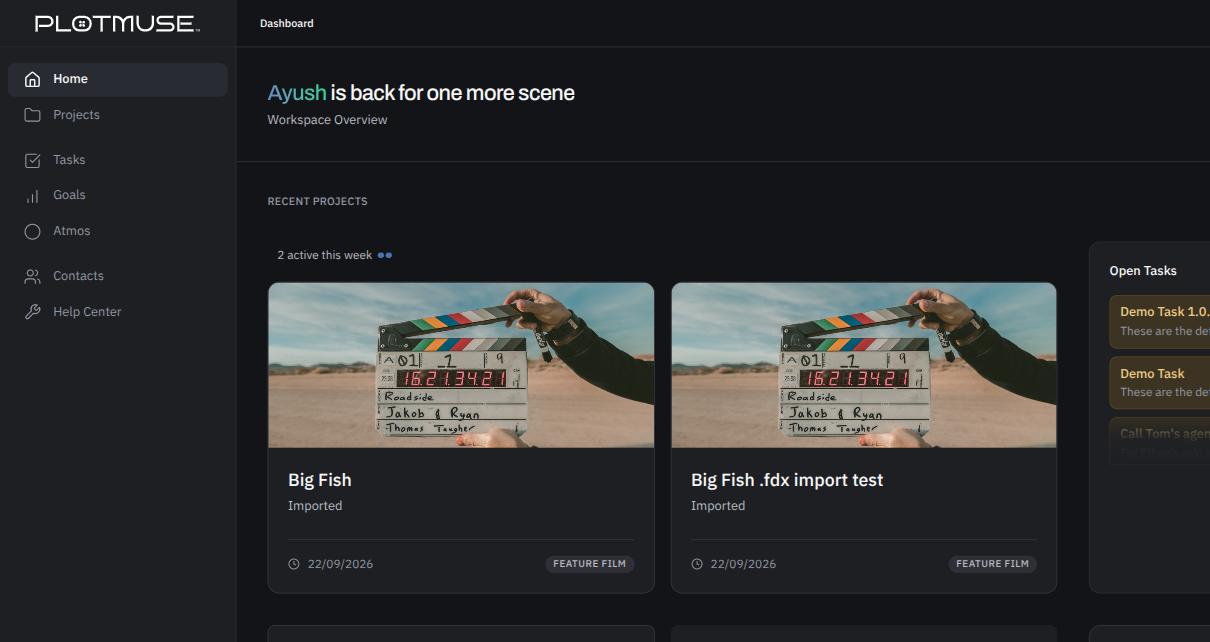
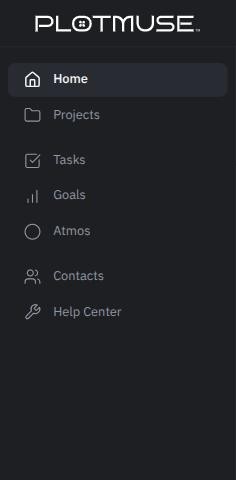
The left navigation lists: Home, Projects, Tasks, Goals, Atmos, Contacts, and Help Center.
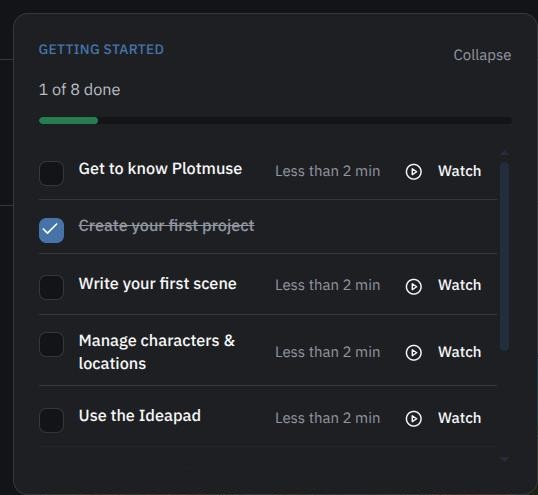
The Getting Started checklist
The Getting Started card on your Overview page tracks your first steps with a short video for each one. Click Watch on any row to open that topic's video; you don't need to complete them in order.
If you collapse the card, it turns into a small Getting Started · x/y · Resume pill you can click to bring it back at any time.
If you get stuck
Two tiles on your Overview page are always there for help:
- Need a hand? — opens this help center
- Guides & resources — docs, tips and tutorials

What's next
Start with Creating a Project — everything else in Plotmuse (scripts, characters, storyboards, moodboards) lives inside a project.
Was this article helpful?