
Using the Story Structure Tool
Plot your story's beats on a visual canvas before you write a single scene.
The Story Structure tool is a visual canvas for plotting your story's beats, acts and turning points before — or alongside — writing your script.
Getting there
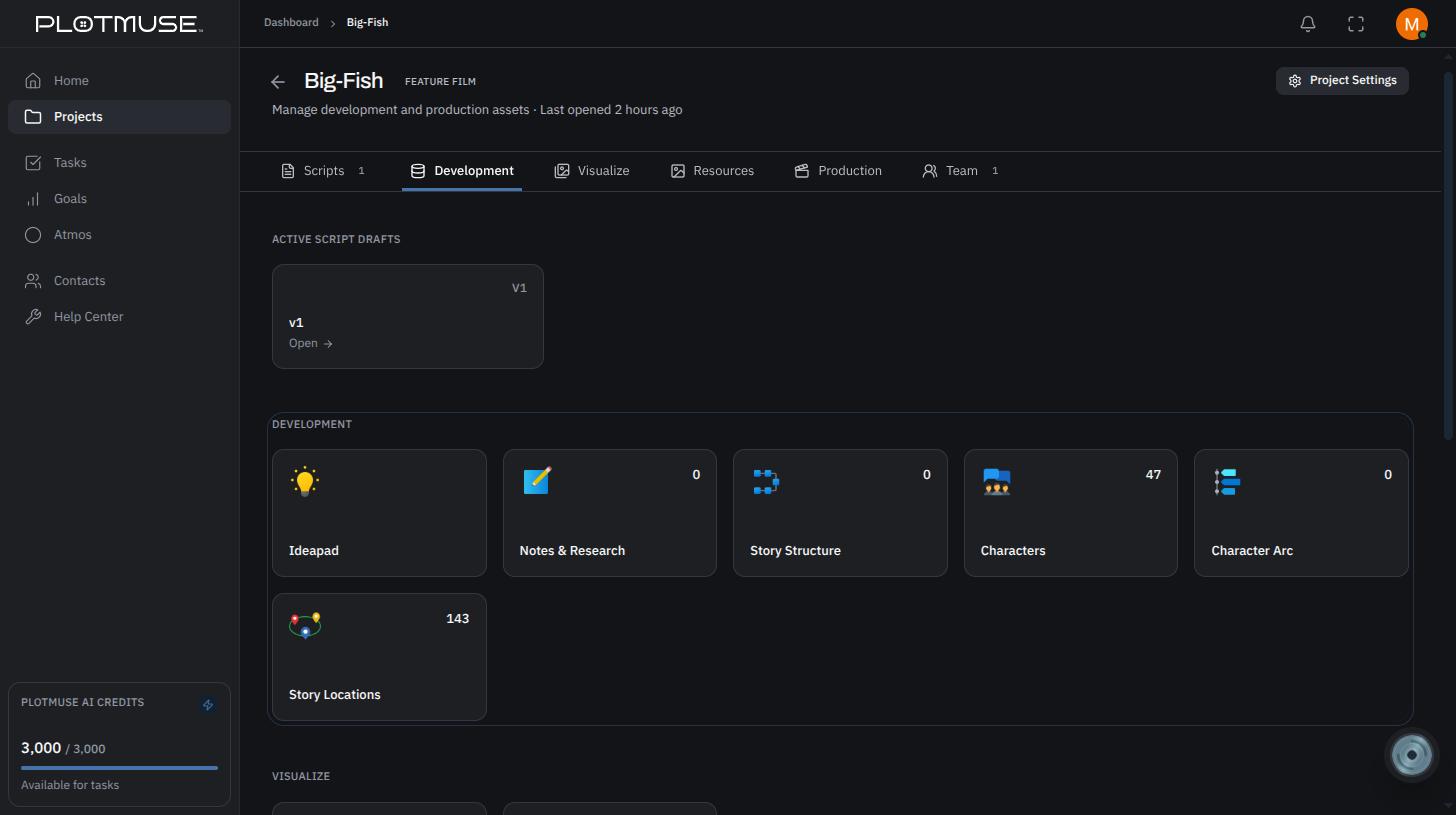
Open a project's Project Home page, go to the Development tab, and choose the Story Structure tile.
Creating a structure
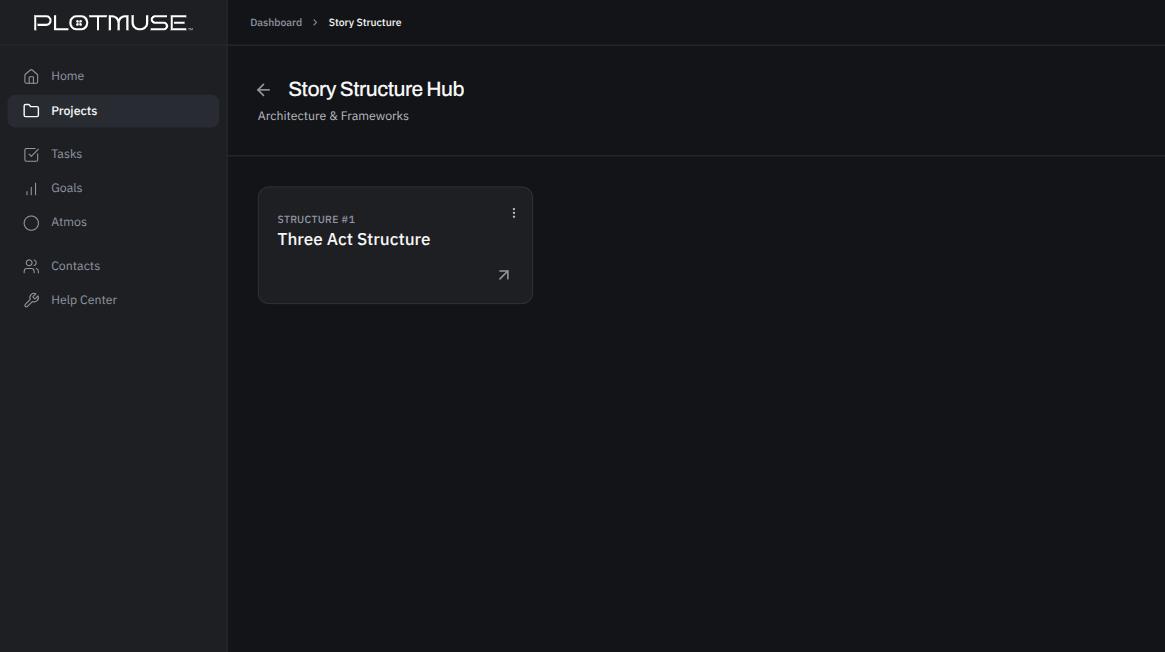
On the Story Structure Hub, click New Structure, give your framework a name in the Create New Framework dialog, and click Create. A project can hold more than one structure — useful if you want to try different frameworks (three-act, Save the Cat, your own) side by side.
The structure board
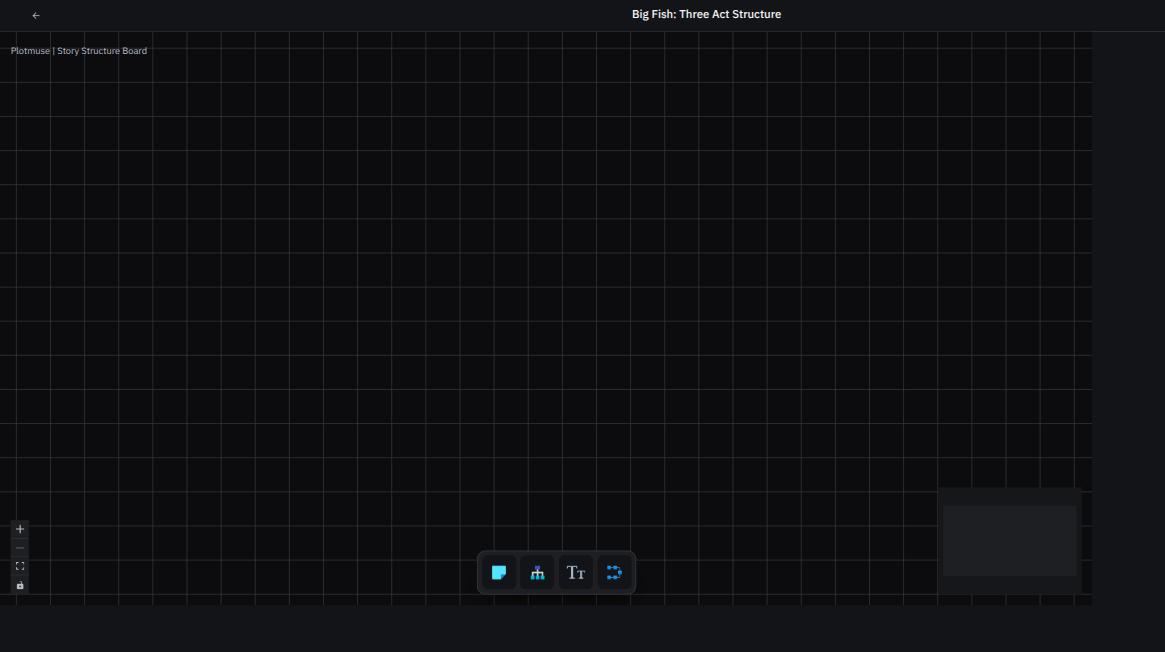
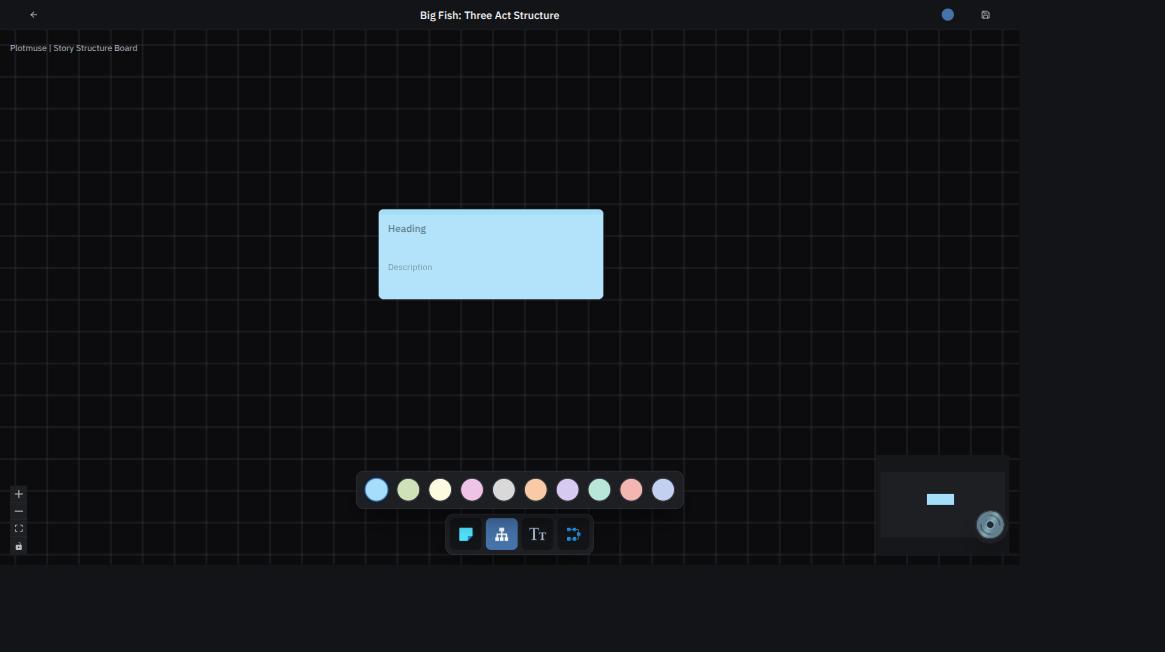
Creating (or opening) a structure takes you to its canvas. Use the toolbar to add:
- Sticky note — a quick annotation, not connected to anything else
- Beat card — a heading plus description for plotting a story beat; beat cards can be connected to each other to show sequence
- Free text — an unstructured note that floats freely on the canvas
- Group — a container that clusters nodes together and moves them as one
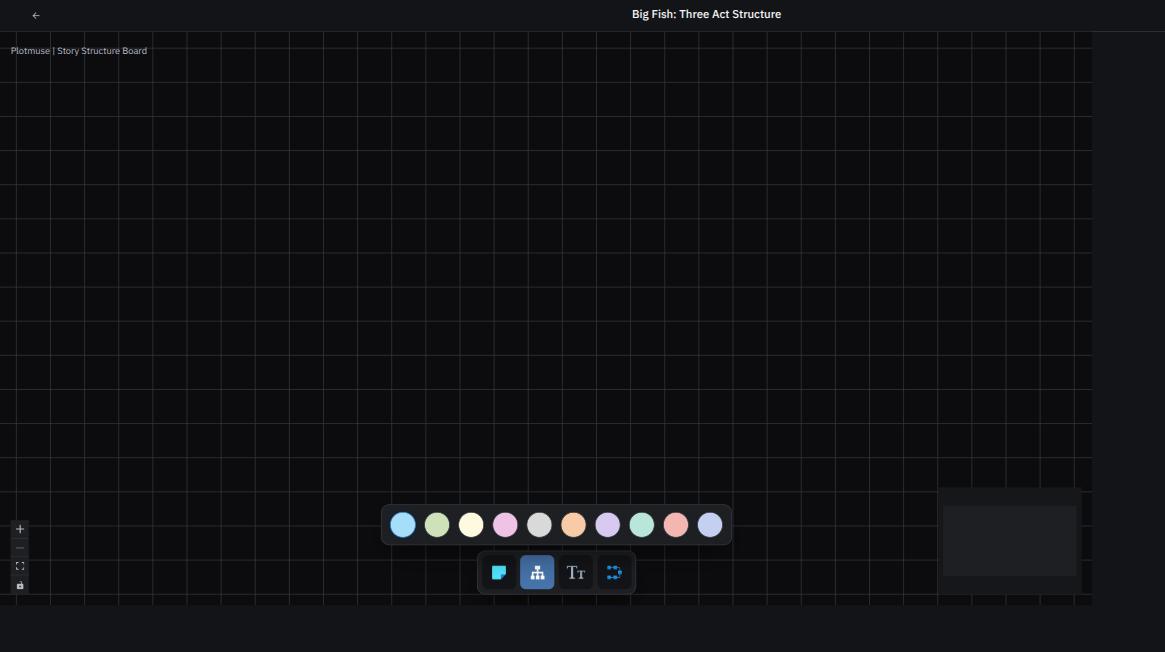
When you pick a node type, choose a colour from the swatch palette before placing it on the canvas — useful for colour-coding acts, characters, or plot threads at a glance.
Saving and help
Use the Save button in the top bar to save your board. Next to it, a short help video walks through the tool if you'd rather watch than read.
What's next
Once your beats are in place, start visualizing them shot by shot — see How to use Storyboard.
Was this article helpful?